






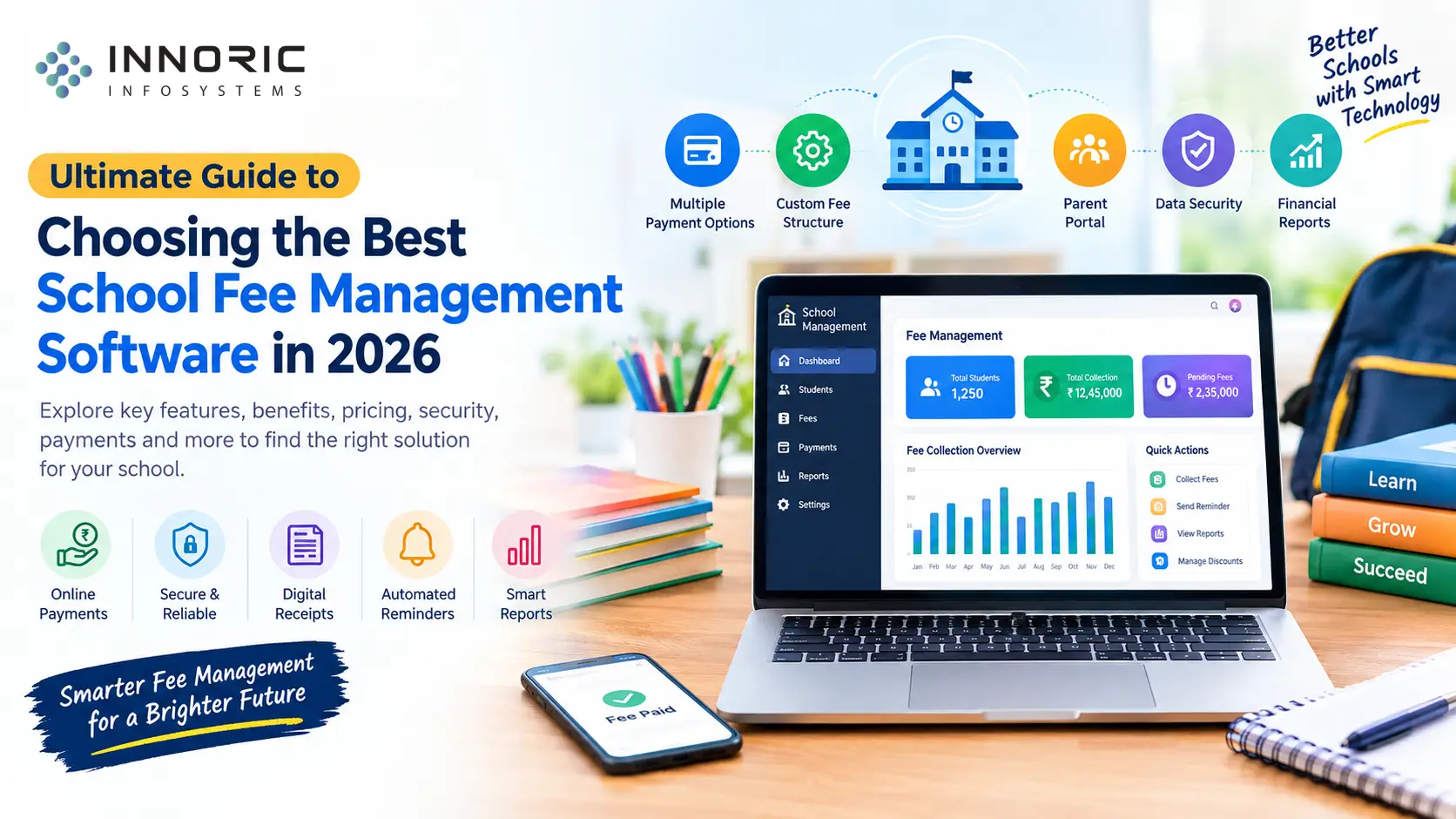
Ultimate Guide to Choosing the Best School Fee Management Software in 2026
Handling school fees can grow more and more complicated as student numbers, payment methods, fee structures, and administrative responsibilities increase. Schools require a dependable solution that can simplify fee collection, cut down on mistakes, automate reminders, and provide real-time payment tracking for both administrators and parents.
School fee management system software in 2026 has become an essential part of modern-day school administration. The right school fee management system can help schools transition away from spreadsheets, paper receipts, and reconciliation-based management towards a transparent and automated school fee system.
This ultimate guide discusses what school fee management software is, what features schools should look for, how to compare and find the right solutions, and what questions to ask.
What Is School Fee Management Software?
School Fee Management Software is a digital platform that helps educational institutes manage the complete lifecycle of the fee-collection and payment process.
Depending on the platform, the software helps schools and colleges manage:
- Student fee records
- Tuition and admission fees
- Transport fees
- Examination fees
- Hostel fees
- Miscellaneous charges
- Discounts and scholarships
- Late fees and penalties
- Online payments
- Payment receipts
- Fee reminders
- Outstanding balances
- Financial reports
- Parent communication
With a digital platform, schools can consolidate these fee-related records in one place as opposed to a collection of registers, spreadsheets, and payment platforms.
Why Do Schools Need Fee Management Software in 2026?
The traditional fee-management process can create a slew of administrative problems.
For example, the school staff may need to:
- Calculate fees manually.
- Maintain the records of students’ payments.
- Prepare and record receipts.
- Remind parents of pending payments.
- Reconcile online and offline payments.
- Prepare monthly or annual reports.
- Maintain a list of discounts and concessions.
As the number of students increases, these routine fee-related duties can become time-consuming. A digital platform can help schools automate repetitive tasks and provide a centralized hub that gives administrators an overview of the fee collection.
A few features of school fee management software benefit schools greatly, including:
- Reduction of manual entries
- Speedy collection of fees
- Reminders about due payments
- Simpler reconciliation of payments
- Digital receipt generation
- Report generation
- Enhanced transparency
- Convenient online payments
- Consolidated student fee records
- Here are 15 essential features of school fee management software.
15 Essential Features of School Fee Management Software
Not all software features are created equal. Before choosing a platform, schools should compare the features that serve their administrative needs. Here are the top 15 features that school fee management software must-have.
- Flexible Fee Structure Management
Every school may have a different fee structure.
The chosen software should be able to handle the fee configuration, which can include:
- Tuition fee
- Admission fee
- Annual fee
- Transport fee
- Library fee
- Examination fee
- Activity fee
- Hostel fee
- Computer fee
The system should support the fee configuration for each class, section, session or category of students.
2. Online Fee Collection
Online payment collection is one of the most crucial features of any modern-day application.
The software should allow parents to make the payment digitally through UPI or debit/credit cards or net-banking. A payment gateway can help facilitate faster and more reliable transactions.
3. Automated Fee Reminder
Parents can forget to make payments due to busy schedules.
A good system can send out automated reminders through SMS, email, the mobile app, or other channels, depending on the platform.
Schools can configure the system to send out reminders for both pending and upcoming payments.
4. Digital Fee Receipts
The school software should be able to generate a digital receipt upon successful payment by a parent.
A good receipt manager can have the following fields:
- Student’s name
- Admission or registration number
- Class
- Fee details
- Amount paid
- Mode of payment
- Transaction reference
- Date of payment
- Outstanding balance
5. Discounts, Scholarships, and Concessions
The school software should support the configuration of various types of concessions, including sibling discounts, merit concessions, scholarship amounts, staff-child concessions, special discounts, and custom concessions.
The system should maintain an audit trail, where applicable, that shows who modified the concession or discount.
6. Late Fee Management
Late fees can be tedious to track and calculate, especially if there is a grace period.
A fee management system should be able to calculate the extra late fee amount based on the settings that administrators set in the platform.
For example, the due date, grace period, late fee percentage or amount, and updated outstanding balance can be all tracked by the system.
7. Outstanding Fee Tracking
Administrators and accounts staff in schools need to know who among the students:
- Has paid in full
- Has paid partially
- Has not paid
Has pending or overdue fees.
A good dashboard can provide a birds-eye view of all the students’ fee status. In addition, the system can remind the teachers to follow up with the parents of those who have not made payments.
8. Parent Portal
A parent portal can give parents a sense of transparency because they can see the breakdown of their child’s fee and payment history.
The portal can allow the parents to:
- View the fee structure
- View payment history
- Download receipts
- View the pending dues
- Make online payments
- View the students’ fees.
9. Mobile App
A school mobile app can help keep parents informed about their child’s fee status at all times.
The mobile app can send the following to the parents:
- Payment reminders
- Due date alerts
- Digital receipts
- Confirmations for payments
- Announcements for the fee.
When the app is integrated with other school management modules, such as attendance and transport, it can offer a more convenient way for two-way communication between parents and the school.
11. Accounting and Financial Reports
School administrators need reliable reports to make informed financial decisions.
A good report generator can offer the following reports:
- Daily collection reports
- Monthly collection reports
- Class-wise collection reports
- Student-wise collection reports
- Outstanding fee reports
- Payment method reports
- Concession reports
- Late fee reports
- Academic year reports
The ability to export the reports will make it easier for the accounts staff to prepare reports or accounting-related activities.
12. Multi-Branch Support
School groups or education groups usually operate multiple branches across a city, state, or country. A good fee management system should allow the administrator to view and manage all the data coming from different branches.
The software should also maintain the data of these students separately, depending on the branch, class, and section.
13. Role-Based Access
A school’s fee information contains sensitive information. The system should provide access to only the people who are supposed to see the data.
The administrators, accountants, teachers, and parents may have different degrees and types of access to the data.
14. Payment Reconciliation
Schools and colleges may receive payments from parents via different modes, including cash, cheques, net-banking, and UPI.
The software should help the accounts staff with the reconciliation of payments received, including identifying:
- Successful payments
- Failed payments
- Pending payments
- Refunded payments
- Duplicate payments
- Unmatched payments.
Having a digital platform can eliminate the need for manual reconciliation.
15. Notifications and Communication
A good fee management system can support effective two-way communication between the school and parents.
The school can use the following communication modes:
- Fee reminder notifications
- SMS or email for successful payment
- SMS or email for overdue payments.
- Announcements regarding the fee structure.
- Receipt availability alerts.
All the communication tools would reduce the need for repetitive and time-consuming clerical duties.
16.Data Security and Backup
A school’s digital data and that of the students are vulnerable to cyber-attacks. It is essential to choose a software that offers features such as encryption, secure login, role-based access, audit trail, regular back up, secure payment gateway, and safe recovery options.
Schools should also understand the hosting and data management options and the security measures that the company takes to safeguard the data.
School Fee Management System vs. Traditional Fee Management
Area |
Manual System |
Digital Fee Management |
Fee calculation |
Often manual |
Automated/configurable |
Payment tracking |
Registers/spreadsheets |
Centralized database |
Receipts |
Paper-based |
Digital |
Reminders |
Manual |
Automated |
Online payments |
Limited/separate |
Integrated |
Reports |
Time-consuming |
Automated |
Outstanding fees |
Manual tracking |
Dashboard/reporting |
Parent access |
Limited |
Portal/app |
Reconciliation |
Manual |
Automated/assisted |
Scalability |
Difficult |
More scalable |
How to Choose the Best School Fee Management Software in 2026?
There is no one-size-fits-all solution when it comes to school fee management software. Every school administration has different requirements, and thus, the approach to choosing the best platform should be guided by the needs of the school. Use this process.
Step 1: Identify Your School’s Requirements
The first step in choosing the right software is understanding the requirements of your school.
The following questions can help:
- Do we have multiple branches?
- Do we need to support online payments?
- Do the parents need a mobile application?
- Do we need automated reminders?
- What reports does the finance team need?
- Do we need accounting module integrations?
Your requirement checklist will help determine the best type of school fee management software for your school. Some requirements are non-negotiable, such as a mobile app, online payments, and reports. Some are optional, depending on the size and category of the school.
Step 2: Evaluate the Fee Structure
The software that you choose should be able to manage the fee structure that you have.
For example, some schools may have a combination of fees, such as Tuition Fee + Transport Fee + Examination Fee + Activity Fee + Late Fee – Scholarship.
Step 3: Check the Payment Gateway Support
The easiest way for parents to make payments is using popular modes of digital payments, such as UPI and net-banking. It is essential to choose a fee management system that facilitates online payments.
Some of the following features should be considered when choosing a platform:
- Transaction fees
- Settlement
- Refunds
- Failed-payment handling
- Reconciliation
- Payment security
Step 4: Check the Reporting Capabilities
A good dashboard is not enough. It is important to ask to see the reports that the finance team would find useful.
The following reports are crucial for effective fee collection and management:
- Collection summary
- Pending fees
- Student ledger
- Class-wise collection
- Payment method summary
- Concession report
- Late-fee report
Step 5: Evaluate the Parent Experience
The parent is the end-user of the fee management system. The interface should be intuitive and not require extensive training.
The best way to evaluate the parent experience is to see how the following takes place:
- Login to the portal
- Viewing of the child’s fees
- Checking the amount due
- Making payments
- Getting a confirmation
- Downloading of the receipt.
- A poor experience can put off parents from making payments.
- Cloud-Based vs. On-Premise Fee Management Software
- Schools also need to consider the hosting or cloud options for the fee management platform.
- Cloud-Based Software
This type of software is managed by the provider. Some of the advantages of this type of application are:
- Accessibility
- Easy data backup
- Centralized dashboard
- Greater security
- Easy scalability
- On-Premise Software
This type of software is usually managed locally. Some of the benefits are:
- Greater control
- Organization-specific features
- Consideration of local restrictions
There is also the responsibility of the school to manage the infrastructure, cloud security, and backup of data.
How Much Does School Fee Management Software Cost?
The cost of the school fee management software can vary depending on the provider, features, and scalability.
The following aspects affect the pricing:
- Number of students
- Number of branches
- Number of users
- Customization
- Mobile application
- Payment gateway
- SMS/email integration
- Hosting
- Support and maintenance
- Accounting integrations
- Custom reports
A basic software can be affordable, whereas a fully customized school ERP with fee management, mobile application, accounting, communication, and other modules can be costly.
Instead of looking at the price alone, it is important to consider the total cost of ownership (TCO) of the software. Some of the considerations include initial setup, training, onboarding, maintenance, and support. There should also be support for scalability, additional features, and data migration in case of migration from one system to another.
Common Mistakes to Avoid
Avoiding to Compare Based on Your Needs
The cheapest software may not provide the features and support that the school needs. It is important to choose a software based on what the school needs and not by the price tag.
Not Paying Attention to Payment Reconciliation
The ability to collect fees through online payments is useful if the school is able to reconcile the digital payments with the system.
Not Prioritizing Scalability
A software that supports 500 students may not support a school of 5000 students, with multiple branches.
Not Paying Attention to Data Security
The data of the students and school is sensitive. The school should consider the extent to which the data is safeguarded against cyber-attacks, unauthorized access, and data breaches.
Not Testing the Parent Interface
It is always important to test the end-user experience. A feature-rich software may have a poor interface and user experience.
Not Asking for a Live Demo of the Software
A live demo of the software can reveal whether the system will meet the requirements of the school.
Questions to Ask a School Fee Software Provider
The following are some of the crucial questions to ask a school fee software provider before making a final decision and signing a long-term contract.
- Does the software support custom fee structures?
- Can the parents make online payments?
- What payment methods are supported?
- Does the platform support UPI payments?
- Are there reminders for due payments?
- Can the system generate digital receipts?
- Can the parents apply for scholarships and concessions?
- Does the software support multiple branches?
- Can we export the financial reports?
- Is there a mobile application for the parents?
- Does the software integrate with the school ERP?
- How are failed payments handled?
- How is the data backed up?
- What security controls are in place?
- Is there a role-based access?
- What implementation support is provided?
- Is staff training included?
- What are the recurring costs?
- What happens if the school wants to migrate the data?
- What customer support is provided?
- Why Custom School Fee Management Software Can Be Useful
Most of the available school management software options are generic in nature and do not cater to the specific requirements of every school. Custom school fee management software can be designed in accordance with the requirements of the school or educational group.
A custom school fee management software can support:
- Custom fee structures
- Custom approval workflows
- Integration with existing ERP
- Custom parent mobile applications
- Management of multiple campuses
- Customized reports
- Accounting integrations
- Transport management
- Integration with attendance system
- Student information system
- Custom notification workflows
- For growing institutions, a custom-designed software can be the best option.
School Fee Management Software as Part of a Complete School ERP
The school fee management software can integrate with other school management software, such as student information, attendance, and communication systems, to provide a complete school ERP.
Future Trends in School Fee Management Software
The school administration space is undergoing rapid changes every year. The following are some of the future trends of school fee management software in 2026.
AI-Assisted Reporting
Artificial intelligence (AI) is being employed in a wide range of industries, including education. While it is still early days for AI in education, we can expect to see some reporting features being automated, as long as the data is accurate and reliable.
Mobile-First Payments
Parents increasingly want to manage their child’s fees on their mobile devices. The best school management software in 2026 will focus more on providing a seamless user experience on mobile devices.
Automated Reconciliation
Many schools are struggling with the reconciliation of payments with the fee management system. In 2026, we can expect to see some reconciliation activities being automated.
Integrated School Platforms
More and more institutions are seeking an integrated school platform that can provide end-to-end school administration solutions. These solutions usually consist of a student information system, fee management, attendance, communication, transport, and other modules.
Real-Time Dashboards
Dashboard analytics will continue to be a key feature of school fee management systems. The dashboards will provide administrators with the most critical information, such as collection status and outstanding fees, without the need to drill down into lengthy reports.
Final Checklist: Choosing School Fee Management Software in 2026
Before choosing the best school fee management software, ensure that the platform provides the following:
- Custom fee structures
- Online fee collection
- UPI/payment gateway integration
- Digital receipts
- Automated reminders
- Outstanding-fee tracking
- Discounts and scholarships
- Late-fee management
- Parent portal
- Mobile app support
- Financial reports
- Payment reconciliation
- Role-based access
- Data backup and security
- Multi-branch support where required
- Integration capabilities
- Reliable technical support
- Scalable infrastructure
Conclusion
Choosing the best school fee management software in 2026 should not be based primarily on the subscription price or the number of features listed by a provider. Schools need to consider how well the platform can handle their fee structure, requirements, reporting needs, parent experience, security, and scalability.
A good fee management platform can help schools automate repetitive administrative tasks, have better tracking of payments, simplify reconciliation of payments, and provide parents with a more convenient way to make school payments.
For schools that are considering a complete digital transformation of their administrative operations, integrating a school ERP and mobile application can help provide a more connected ecosystem.
Looking for School Fee Management Software?
Innoric Infosystems provides technology solutions for schools and educational institutions, including customized school management software, fee management systems, ERP solutions, and mobile applications. We can help design a school fee management solution that aligns with your fee structure, administrative requirements, communication needs, and other administrative goals.
Talk to Innoric Infosystems to discuss your school management software requirements and discover a suitable digital fee-management solution for your institution.
Frequently Asked Questions
What is school fee management software?
School fee management software is a digital system that helps educational institutions manage fee structures, collections, online payments, receipts, reminders, outstanding balances, and financial reports.
What features should school fee management software have in 2026?
Important features include online payments, UPI/payment gateway integration, automated reminders, digital receipts, fee configuration, concession management, outstanding-fee tracking, reporting, parent portals, mobile apps, security controls, and reconciliation.
Can parents pay school fees online?
Yes. Many modern-day fee-management platforms support online payments through methods such as UPI, cards, net banking, and other supported payment options.
Can school fee software send automatic reminders?
Yes. Depending on the platform, schools can configure automated reminders for upcoming or overdue payments through SMS, email, app notifications, or other integrated communication channels.
Is school fee management software suitable for small schools?
Yes. The appropriate solution depends on the school’s requirements and scale. Small schools can choose simpler systems, whereas larger institutions may require a more comprehensive ERP.
Can fee management software integrate with School ERP?
Yes. Fee management can be integrated with student information, attendance, accounting, communication, transport, and other ERP modules depending on the software architecture.
How do I choose the right school fee management software?
Start by documenting your fee structure and workflows. Then, compare payment capabilities, reporting, security, parent experience, integrations, scalability, support, implementation requirements, and total cost of ownership.