





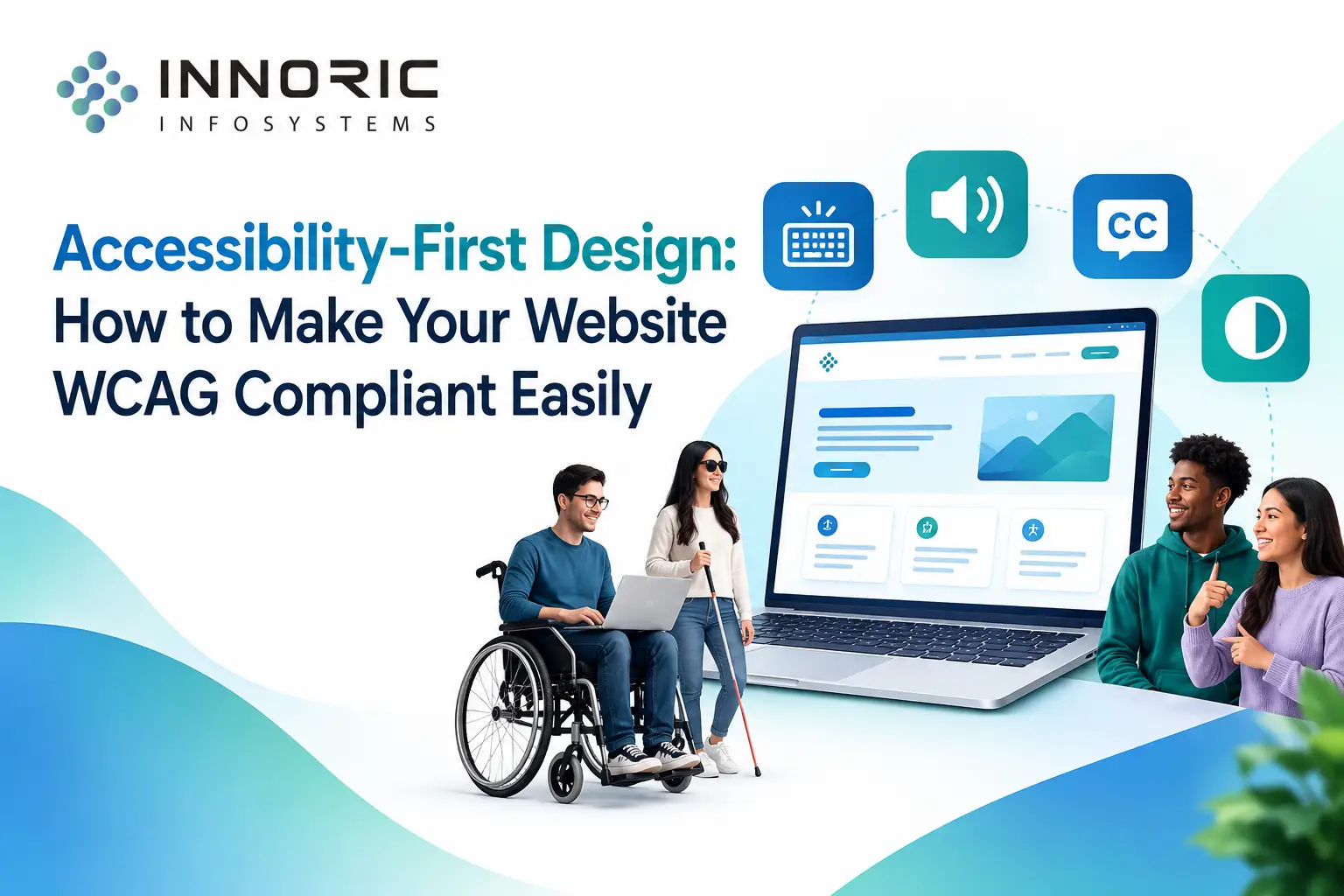
Accessibility-First Design: How to Make Your Website WCAG Compliant Easily
- Did you know that more than 1 billion people across the globe live with a disability (visual, auditory, physical, or cognitive impairment)? If your website is not optimized for accessibility tools, you are neglecting a huge chunk of traffic, users, and customers.
Accessibility-First Design is now a legal requirement and an ethical responsibility. As a reputed software development and technology solutions provider, Innoric Infosystems takes up the onus to design an inclusive digital ecosystem.
In this ultimate guide, we will walk you through ways to make your website WCAG (Web Content Accessibility Guidelines) compliant easily.
What is WCAG and Why is it Important?
WCAG stands for Web Content Accessibility Guidelines. These are the international standards set by the W3C (World Wide Web Consortium) that dictate how accessible the digital content on the website is for people with disabilities.
WCAG has three levels of conformance:
- Level A: This is the minimum level of web accessibility.
- Level AA: This is the global standard and is recommended for organizations (it is the legal requirement in countries like the US under the Americans with Disabilities Act and the European Accessibility Act).
- Level AAA: This is the highest level of web accessibility.
Most organizations aim for the AA level of conformance as it makes them legally protected and entirely user-friendly.
5 Ways to Make your Website WCAG Compliant
1. Keep the Background and Foreground Colors in Contrast
If the text on your website has a similar color as the background, it may be hard for users with poor eyesight or color blindness to read.
How to fix it: Under the Website WCAG AA standard, the contrast between the foreground and background colors should be at least 4.5:1. You can use tools like WebAIM Contrast Checker or plugins in Figma to ensure that your color palette meets the accessibility standards.
2. Use Descriptive Alt Text for All Images
Users with visual impairments mostly rely on screen readers to read the text on the website. When a screen reader comes across an image, it vocalizes the “Alternative text” (Alt text) that is written for that image.
How to fix it: When you upload an image on your website, always fill the “alt text” field with a relevant description of the image. For example, “Alt Text: Innoric Infosystems software developers collaborating on a responsive web layout.”
3. Enable Keyboard Navigation
Some users cannot use a mouse due to physical disabilities. They navigate websites using the keyboard and the Tab key.
How to fix it: You can test this by yourself. Try to open all the links, menus, dropdowns, and buttons on your website using just the Tab and Enter keys. All the interactive elements on the site should be reachable via the Tab key. Additionally, you can use a “Focus indicator” to signify the current focus on a webpage. You should also include a “skip to content” button so that the keyboard users can jump to the primary content area directly.
4. Keep the Font Sizes in Order
Most often, people change the font sizes of web pages to suit their comfort levels. Screen readers rely on the heading structure to navigate a web page. They cannot differentiate between text sizes if you use the same heading tag throughout the document.
How to fix it: Always keep the heading order in your website in sequential order (H1, H2, H3, etc.). Use the “H1 tag” for the main heading of a page, and H2 and subsequent tags for subheadings.
5. Use Descriptive Labels for All Forms and Buttons
Avoid using generic labels for buttons such as “Click Here” or “Submit” or use the placeholder texts inside text boxes to indicate what information to enter. This can confuse the screen readers and users with cognitive disabilities.
How to fix it: Always use descriptive text for buttons, such as “Download Ebook Now” or “Get a Free Tech Consultation.” Similarly, always use labels for the form fields (not the placeholder text). For example, “Business Email Address” instead of “Email.”
The Business Case for Creating Accessible Websites
Making your website accessible is a great way to improve your SEO, legal protection, and conversion rates.
• Improve your Organic SEO: Google loves websites that offer a better user experience. Websites that have proper heading tags, high contrast, and alt text for images are more likely to rank higher on the SERPs.
• Better Legal Protection: When your website is compliant with the global standards of web accessibility, it shields you from potential lawsuits.
• Higher Conversion Rates: If your website offers a better user experience, it will result in lower bounce rates and higher conversions.
Conclusion
Making an existing Website WCAG accessible can sometimes be challenging. The team at Innoric Infosystems recommends working on an accessibility-first approach from the get-go. Doing this helps make the internet a better place for all of us.